XiKey Desktop
Alpha · FreeIndividualsCreators
Creative and productivity apps with Arabic typography, gathered by one launcher into suites.
Runs on
- Windows
- macOS
- Linux
Solutions and apps for everyday use
XiKey develops solutions and applications for everyday use: friendly from the first click, advanced when you need it, light on your device, fluent in Arabic and English, and always a little more. Creative and office apps, protection, file versions and retail software on Windows, macOS and Linux.
Find your way in
XiKey Desktop: 14 apps for design, documents, video, audio and 2D drawing, opened and updated from one place.
desktop.xikey.com →BetaXiGuard watches downloads and programs alongside your system's own protection; XiVault keeps every version of your files.
xiguard.com →Alpha · pilot programXiKey ERP: point of sale and business management for retail in Saudi Arabia, built for ZATCA e-invoicing, with branches that keep selling offline.
erp.xikey.com →Why XiKey
Professional tools you can pick up on day one: light on your machine, at home in Arabic and English, and honest about what is ready today.
Professional-grade apps and security, built in memory-safe Rust and checked by a person before every release.
Rust · human-reviewed releasesFamiliar layouts and one launcher that installs, opens and updates every app. Less to learn, more time to create.
One launcher for every appXiKey Desktop apps and XiGuard run on Windows, macOS and Linux. Mobile comes later.
Windows · macOS · LinuxArabic and English today — right-to-left, typography and search done properly — on a core built to welcome more languages.
Arabic search & OCR in XiKey PDFEvery product carries extras we build in: Arabic-aware search, offline Arabic OCR, versioned recovery, reputation lookups. You always get more.
XiVault included in XiGuardSmall footprints and only-what-changed transfers keep your device fast and your connection light.
≈60 MB XiGuard service · lab, Oct 2026Runs on
Free while in alpha. After alpha, plans sized for how you work:
Creative, productivity and protection tools for everyday life.
Dependable tools for daily craft, on the systems you already use.
Protection, recovery and retail management for growing teams.
Student plans for one app or the complete suite — on the way.
Products
Each family has its own site for downloads, pricing and support. This page introduces them and routes you there.
Creative and productivity apps with Arabic typography, gathered by one launcher into suites.
Runs on
Protection on top of your system's own: download scanning, behaviour monitoring and community reputation, in Personal and Business editions.
Runs on
Every saved version of your files, compressed and restorable — even after ransomware. Syncs directly between your own devices.
Runs on
On-premise point of sale and business management for retail in Saudi Arabia, built for ZATCA e-invoicing, with branches that keep selling offline and sync to head office.
Runs on
XiKey Desktop
Install XiKey Launcher once, then open every XiKey Desktop app from one place, grouped into suites. Each app links to its own page on desktop.xikey.com.
Spend less time finding tools. More time making.
The free home for installing, opening, updating and removing every XiKey Desktop app, with per-app consent for automatic updates.
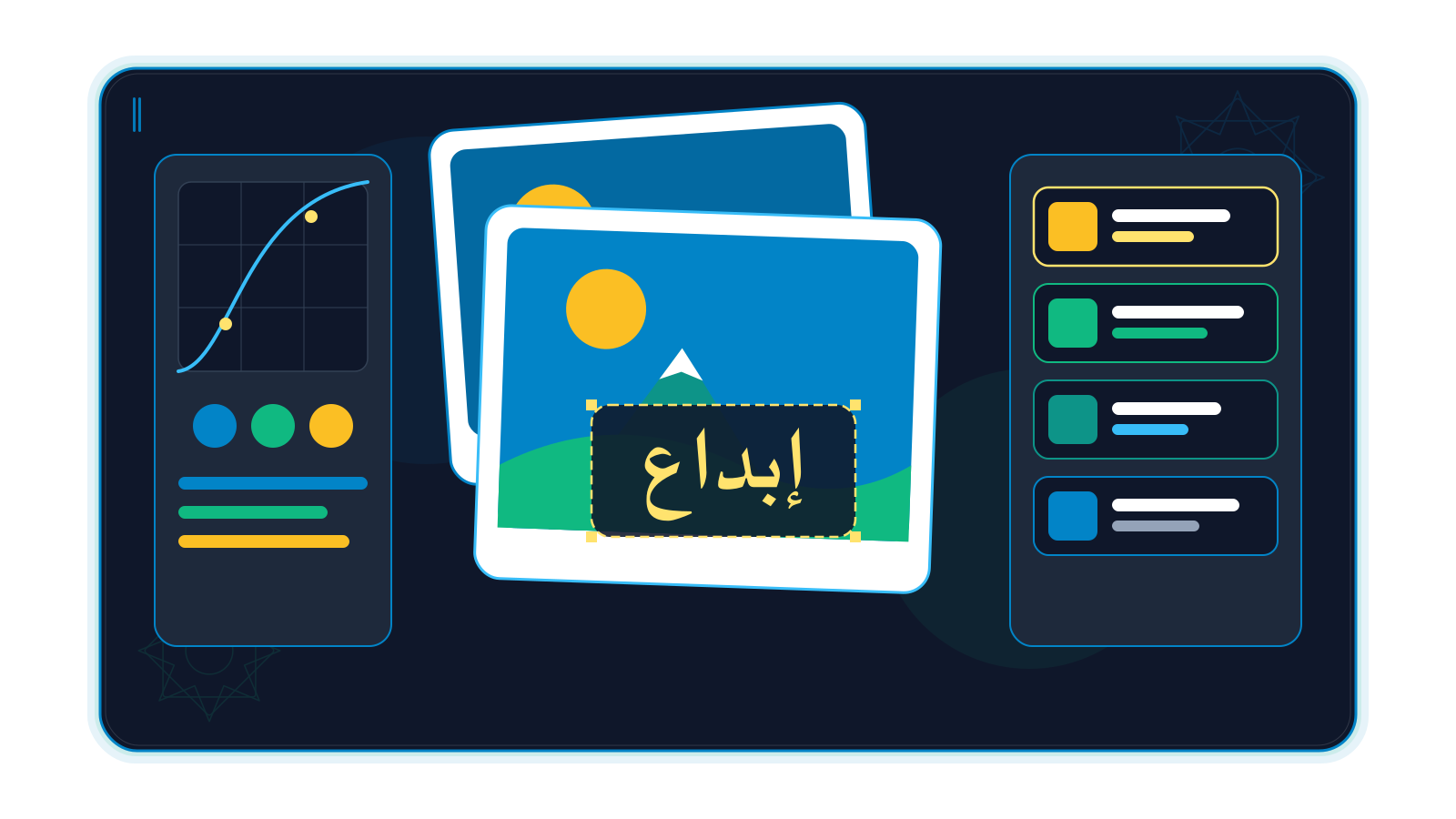
Images, illustration, page layout and photo selection.
4 available · 1 coming soon
 XiKey Photo AvailableBuild the image. Keep room to change your mind.
 XiKey Vector AvailablePrecise paths. A visual identity that can grow.
 XiKey Layout AvailableGive every story a page worth reading.
 XiKey Light AvailableFrom a full shoot to a considered selection.
 XiKey ArtShape the scene. Then explore the possibilities.
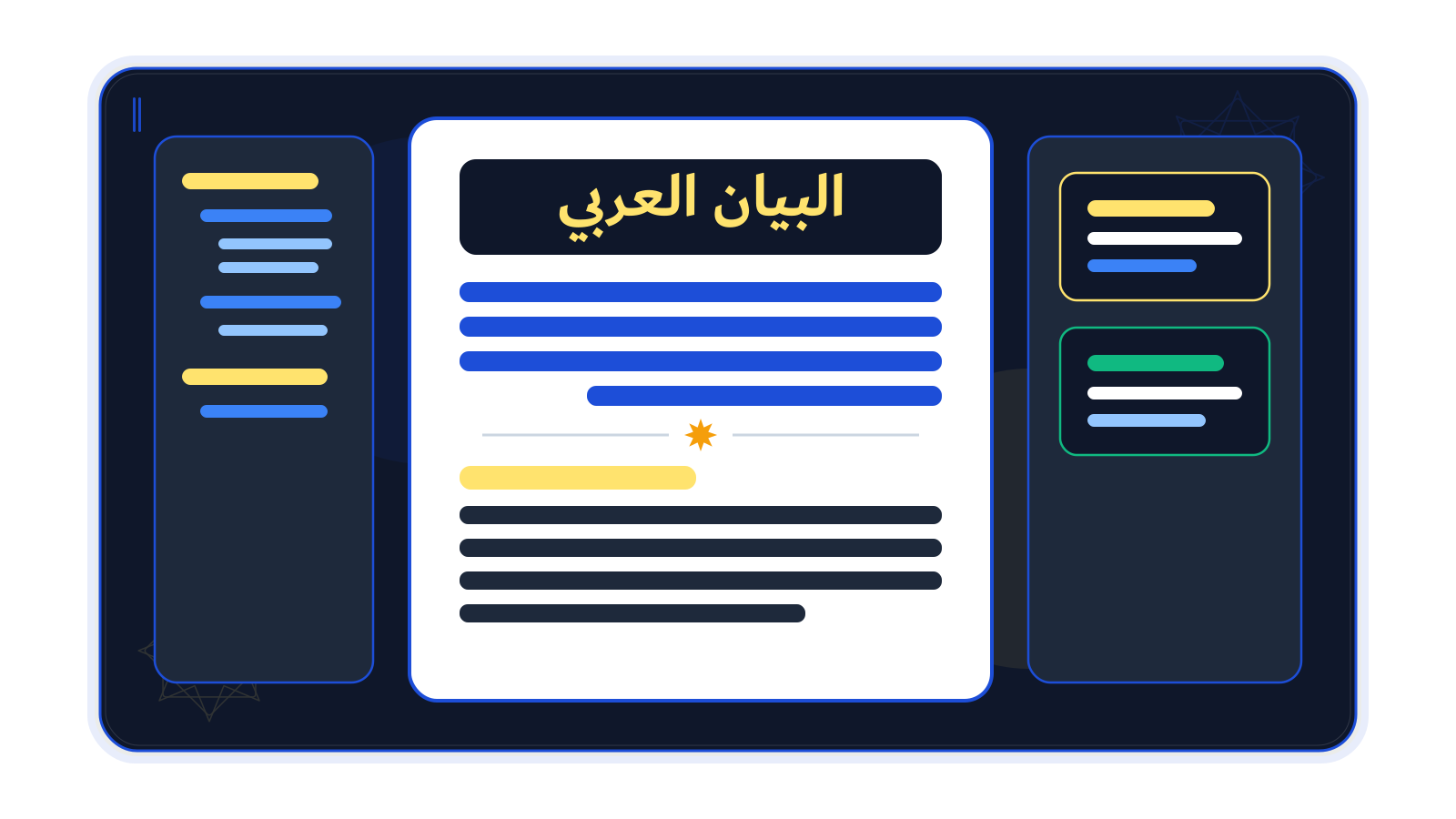
Documents, spreadsheets, presentations and PDF.
4 available · 0 coming soon
 XiKey Write AvailableGive your words a structure readers can follow.
 XiKey Sheet AvailableGive your numbers a story worth sharing.
 XiKey Slides AvailableMake the next idea easier to see.
 XiKey PDF AvailableGive every page its place.
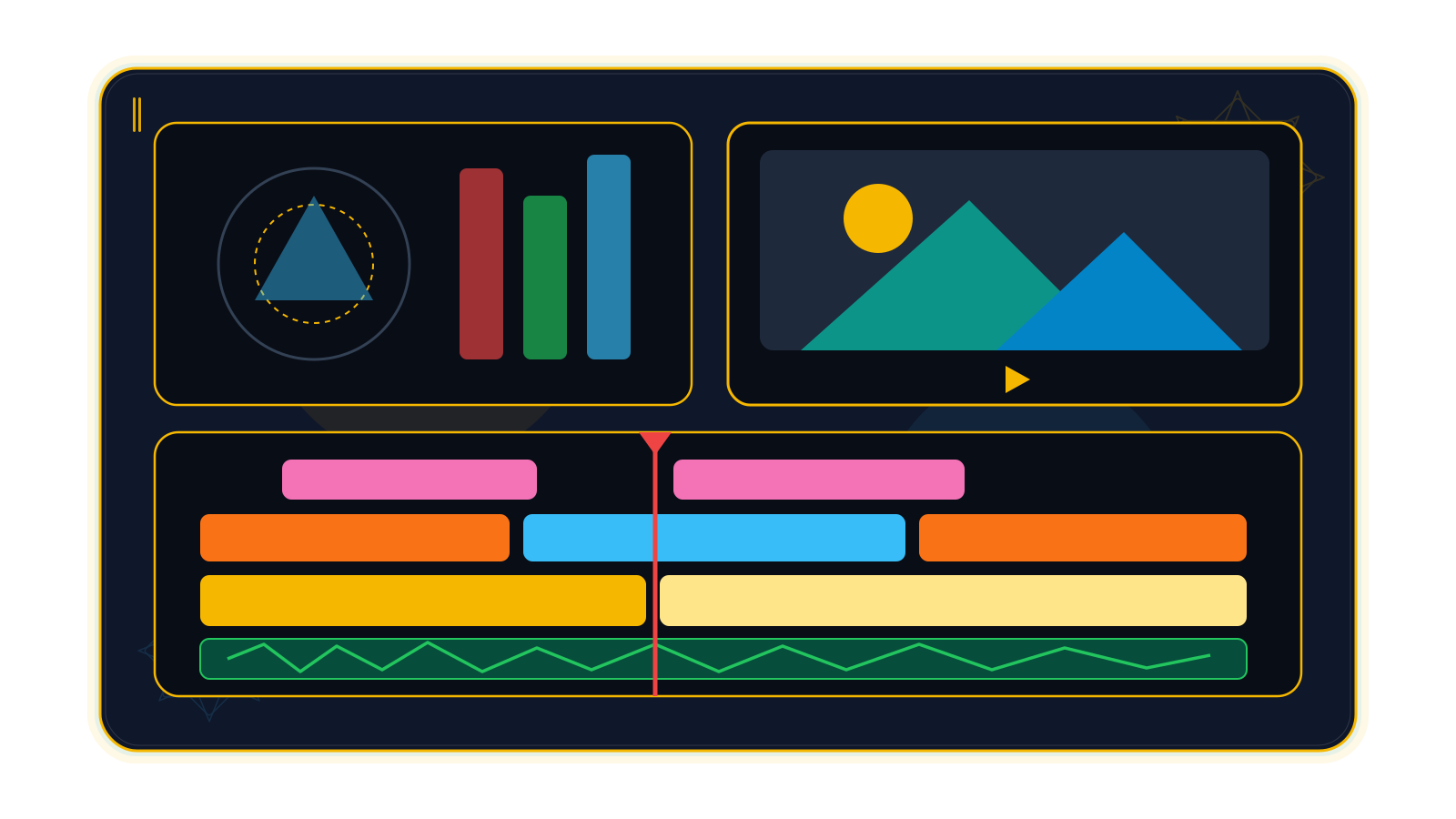
Motion graphics, video editing and audio.
3 available · 0 coming soon
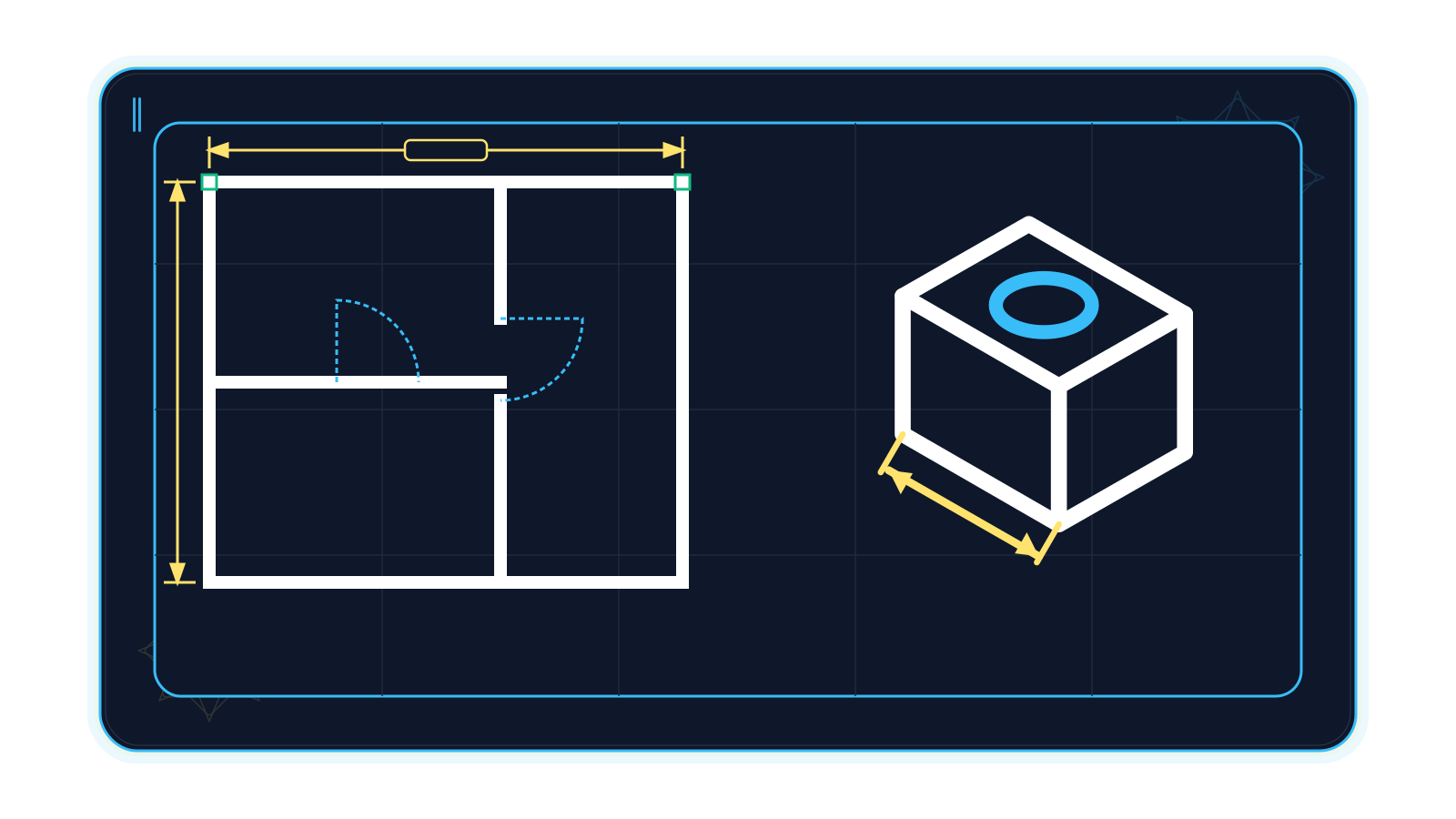
Technical 2D drawing.
1 available · 0 coming soon
Arabic at the core
Not a translation layer on top: these features ship today in the alpha apps.
XiKey PDF finds words whatever their diacritics, tatweel or alef form, and matches Western and Arabic-Indic digits.
Text copied from Arabic PDFs — including files exported from Word — keeps its correct reading order in XiKey PDF.
XiKey PDF reads Arabic and English text in scanned documents without sending anything online.
XiKey Photo switches between English and Arabic instantly, with a fully mirrored right-to-left layout.
Arabic and English words on the same line keep their correct order in XiKey Photo.
Arabic translations for the other XiKey Desktop apps are in review.
Shared tools for kashida, diacritics control, Arabic-Indic digits and Hijri dates in every app.
Calligraphy tools for XiKey Photo, XiKey Vector and XiKey Layout.
XiGuard family
Install-and-go protection for individuals, and a Business edition for companies. Everything layers on top of your system's built-in protection, which stays on. Your files stay on your devices: lookups send fingerprints or web addresses, never files, and anonymous reports can be turned off.
XiGuard Personal
XiGuard Personal: install and go. Scanning, behaviour monitoring and XiVault versions on your own devices, in Arabic or English.
XiGuard Business
XiGuard Business brings the same protection to company devices, with separate installers and update channels. Central management for companies is planned.
Planned
A management console for XiGuard Business: every device, alert and action in one place.
The protection agent: scans every download, watches behaviour and keeps your system's own protection on.
Versioned, compressed copies of your files; restore any earlier version. Part of XiGuard and available on its own.
Community reputation: anonymous file fingerprints shared through XiGuard's own service — never stranger to stranger, one click to turn off.
A separate viewer that records the programs you choose to watch.
Next on the roadmap: XiGuard Neighbourhood (a local-network cache for updates and alerts, off by default), Xi Deployer (one installer and updater for every product) and central management for companies. Mobile comes later.
XiVault
XiVault keeps a timeline of each protected file. The first copy is stored once; each later version adds only the blocks that changed. Overwritten, deleted or encrypted by ransomware — go back to any point.
3 GB disk image
Stored oncefiles added
+32.1 MiBsmall change
+0.1 MiBfiles removed
+20.1 MiBransomware encrypts the file
detectedback to v4 in seconds
restorefirst copy + 52.3 MiB of changes
Sizes measured on a 3 GB disk image; the ransomware event is an illustration.
Technology
Our engineering rules require every speed or size claim to state its baseline, input and machine. These are our lab numbers on internal builds.
Memory-safe systems language across XiGuard, XiVault, XiFont and the XiKey Desktop apps.
XiGuard service memory, measured on one Windows test machine after 30 and 60 minutes.
Storing an edited 3 GB disk image in XiVault: content-defined blocks keep only what changed.
Data on the wire when 4 KB changes in a 64 MB file during XiVault device sync (6.0 s → 1.0 s).
First sync of 2,002 files (103.5 MB) between two devices, down from 14.9 s.
Compression ratio of a XiVault export (2,694 files, 139 MB) — and one file back in 49 ms.
XiGuard's service memory — a sliver of an 8 GB laptop's RAM (illustration; measured on one Windows test machine).
A new version of an edited 3 GB disk image adds about 32 MB to the vault, not another 1.5 GB.
What crosses the network when 4 KB changes inside a 64 MB file — not the whole 67 MB.
Each pair is drawn on its own true linear scale. Where the new bar is too thin to see, that is the point.
too small to draw at true scale
| Measurement | Before | XiKey today | Change |
|---|---|---|---|
| Store an edited 3 GB disk image | 1.5 GiB | 32.1 MiB | 48× smaller |
| Sync a 4 KB change inside a 64 MB file | 67.1 MB | 96 KB | 699× smaller |
| Keep 815 revisions of small files | 5.67 MB | 87 KB | 65× smaller |
| Export 2,694 files to one archive | 139 MB | 29.3 MB | 4.7× smaller |
| First sync of 2,002 files: data on the wire | 103.5 MB | 67.3 MB | 1.5× smaller |
| First sync of 2,002 files: time | 14.9 s | 10.4 s | 1.4× faster |
Source: XiVault and XiGuard lab measurements on internal builds, Oct 2026.
Peer to peer + official sources
XiKey products keep each system's own official updates and protection on, and add a private peer layer between your own devices. Data is compressed, cut into blocks, and only the blocks that changed travel.
Official sources
Links go to each system's official site; XiKey is not affiliated with these companies.
Your network (private paths only)
XiGuard layers on top of your system's own protection and keeps it on; signature checks fetch Microsoft Defender updates on Windows when needed.
Paired devices sync directly over your network or VPN, pulling blocks from several devices at once; only changed blocks travel.
One device fetches an official update; paired devices on the same network share it after verifying it. Off by default.
Signed font libraries and local-network sharing that enforces each font's licence.
Anonymous fingerprints through lookup.xiguard.com — hub and spoke, never stranger to stranger.
64 MB file, 4 KB edited
zstd, only when it shrinks
content-defined blocks
find the changed blocks
≈96 KB instead of 67 MB
How we work
Every piece of work moves through defined layers and workflows — from a leadership decision to a verified result — with people in charge at every gate.
XiKey's leadership sets strategy and priorities and makes every important decision. Decisions arrive on one board with the options, pros and cons; routine reversible choices can be settled automatically after a short wait — and are always reported as automatic.
A central hub turns each request into tasks, picks the right team and AI engine, watches health and cost, and keeps sensitive work inside our own infrastructure. Team leads and assistant overseers verify every result before it counts.
Product & design · Engineering · Security · Quality · Arabic & English localisation · Operations · Research — 70+ specialist roles, each with a defined job.
20+ engines, in the cloud and on our own servers. The cheapest capable engine does the work; the strongest models plan, synthesise and review.
One shared memory and database for every engine and team: what one learns, all can recall. Exact facts are always checked against the source files.
Our own servers and GPUs run the fleet. Private and customer data never leaves them.
Every project keeps a plan, a task list, a work log and a history. Work starts as a task and ends only when verified.
Requests, decisions, hand-offs, releases and night waves each follow a workflow with clear states — nothing lives only in a chat.
Progress is reported as verified, written-but-untested or blocked. Agreement between AIs is never treated as proof.
Every job has a budget, a limit and a stop condition; changes arrive as proposals and nothing ships without review.
By day the teams build alongside leadership. By night the research and improvement waves take over. Every morning the results are waiting.
Teams plan, build, test and ship; decisions go to the Decision Board.
The shared brain absorbs the day's work, research and Arabic and English news.
Research and improvement for every project: plan, build, sandboxed tests, review, judge.
Tested proposals wait for review — and the next day begins.
Health, cost and security are monitored around the clock.
Vision
Summaries, Arabic drafting and search across your own documents; background removal and sharper images; Arabic speech turned into subtitles — all running privately on your computer.
Live sales and stock figures inside XiKey Sheet, offer catalogues built from inventory in XiKey Layout, and contracts filed with the customer record in XiKey ERP.
Familiar keyboard shortcuts for people coming from other suites, and careful import and export of the file formats you already use.
Ready-made Arabic templates for letters, CVs, presentations, invoices and seasonal designs, with licensed Arabic fonts available in every app.
Add-ons and scripts from developers across the Arab world and beyond, shared through XiKey Launcher.
Business software, desktop apps and file backup for every employee under a single subscription.
Global
Built in Saudi Arabia, in Arabic and English from the first line. The Gulf comes next, then Africa — where free editions matter most — then the world, with more languages and local hosting as each region opens.
About
XiKey is the master brand behind every product on this page. Its teams design, build and test every release.
For help with a product, visit its own site: desktop.xikey.com · xiguard.com · erp.xikey.com.